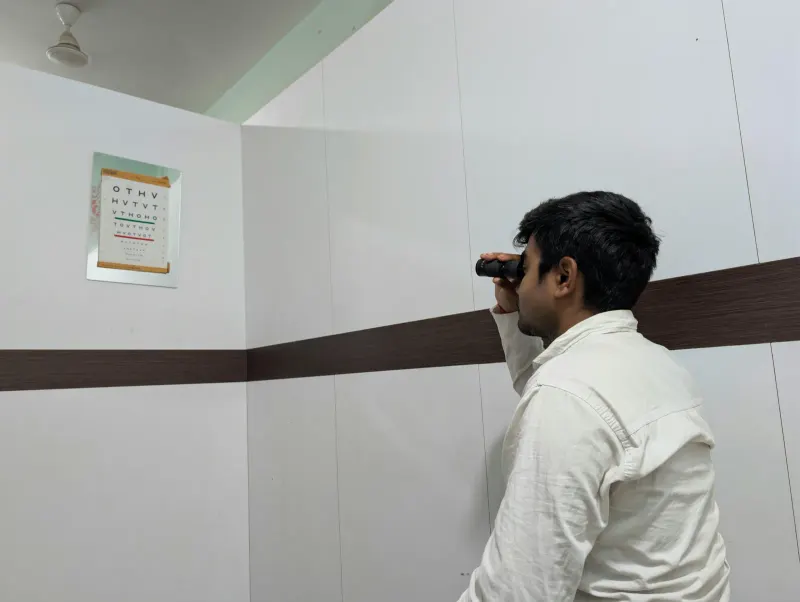
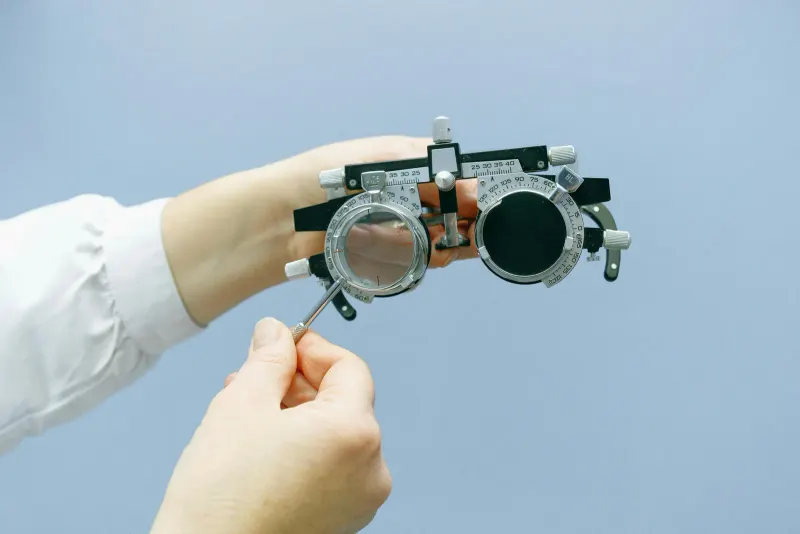
Screen eye strain often improves when the prescription is accurate, blinking and tear care are addressed, viewing distance and lighting are comfortable, and near work includes regular changes of focus. Blue-light filtering lenses have not shown reliable short-term benefit for eye-strain symptoms, so persistent complaints need a cause-based exam rather than a coating alone.
Eye strain from screens usually comes from sustained close focus, reduced blinking, glare, dry eye, uncorrected vision needs, and workstation setup. The most helpful fixes target those causes rather than chasing every product marketed for screen comfort.
Screen strain can be frustrating, but it is often manageable. The key is to notice the pattern, adjust the visual task, and get an eye exam when symptoms persist or interfere with work, school, driving, or reading.
What matters first for screen eye strain relief?
Brief distance breaks, better blinking, reduced glare, and correct glasses often help screen strain.
- Blue-light products do not address the most common causes of dry, tired screen eyes.
- Dry eye, contact lens wear, focusing problems, and binocular vision issues can make symptoms worse.
- Sudden vision loss, double vision, severe pain, or new neurologic symptoms need urgent care.
What Helps Most Screen Eye Strain
The American Optometric Association describes computer vision syndrome, also called digital eye strain, as eye and vision problems related to prolonged use of computers, tablets, e-readers, and phones. The visual demand rises when text is small, glare is high, or the viewing distance is awkward.
Start with the basics that change how hard the eyes work. Increase text size instead of leaning forward. Match screen brightness to the room. Reduce reflections from windows and overhead lights. Place the screen at a comfortable distance and slightly below eye level for many desk setups.
- Use brief breaks that let your eyes relax at a distance.
- Blink fully and often, especially during long reading or spreadsheet work.
- Use lubricating drops if your eye doctor has recommended them for dryness.
- Keep screens clean and adjust contrast for comfortable reading.
- Update glasses or contact lens prescriptions when vision is not clear at work distance.
- Change chair, monitor, and document height so you are not tilting your head to see.
Why Breaks and Blinking Matter
People tend to blink less during focused screen tasks. Fewer complete blinks can leave the tear layer unstable, leading to burning, gritty eyes, watering, and blur that clears after blinking. This is especially common in dry rooms or with contact lens wear.
The 20-20-20 rule is a simple way to remember breaks. Every 20 minutes, look about 20 feet away for 20 seconds. It does not treat every cause of eye strain, but it reduces nonstop near focus and reminds you to blink.
If symptoms improve on weekends or vacations, task pattern may be a major contributor. If symptoms continue even away from screens, dry eye disease, allergies, eyelid inflammation, focusing problems, or another condition may be involved.
What Often Does Not Help Enough
Some popular fixes are less useful than they sound. Blue-light glasses may reduce brightness for some people or feel more comfortable in certain lighting, but they do not correct dry eye, glare, focusing demand, or an outdated prescription.
The American Academy of Ophthalmology has stated that normal blue light from digital screens has not been shown to damage the eyes. If you use blue-light settings for evening comfort or sleep habits, that is different from treating the root causes of eye strain.
- Relying only on blue-light lenses while ignoring glare and breaks
- Using redness-relief drops frequently without an eye exam
- Turning brightness very low and then squinting to read
- Working through blur or double vision because it seems screen related
- Assuming headaches are from screens without checking vision and eye teaming
When Glasses or Contacts Are Part of the Problem
A glasses prescription that works for driving may not be ideal for a laptop, multiple monitors, or a handheld device. Presbyopia, astigmatism, farsightedness, and eye teaming issues can all make screen work harder than it needs to be.
Contact lenses can also dry out during long screen sessions. If contacts feel comfortable in the morning but gritty by afternoon, ask whether lens material, wearing schedule, dry eye treatment, or glasses for part of the day would help.
Tell your eye doctor about your actual setup. Distance to the monitor, number of screens, font size, lighting, and hours of use matter. A computer prescription or task-specific lens can sometimes help more than a general pair of glasses.
When Screen Symptoms Need an Eye Exam
Schedule an eye exam when symptoms keep returning despite breaks and setup changes, or when they affect daily function. The exam can check prescription, eye alignment, focusing, dry eye, eyelid health, and eye surface irritation.
Seek urgent care for sudden vision loss, sudden double vision, severe eye pain, a new curtain or shadow, new flashes and floaters, eye injury, chemical exposure, or vision symptoms with weakness, trouble speaking, severe headache, or new imbalance.
Before the visit, write down when symptoms start during the day, which screen is hardest to use, whether blinking clears the blur, and whether symptoms improve with glasses or contact lens removal. Bring your usual work glasses, reading glasses, and contact lens details if you use them.
Small changes are easier to judge when you test one at a time. For example, adjust glare and font size for a week before deciding whether a new product helped. This makes it clearer whether comfort came from better viewing conditions or from something unrelated.
Do screens make eyesight worse
Screens can cause temporary discomfort and blur, especially during long near work. They do not replace the need for an exam if vision is changing, because refractive error, dry eye, and eye disease can also cause blur.
Are eye exercises enough for screen strain
Breaks and focusing changes can help comfort, but they may not fix an outdated prescription, dry eye, or a binocular vision problem. Persistent symptoms deserve an eye exam.
For the next question after What Helps Screen Eye Strain and What Does Not, read Computer Glasses and Reading Glasses Solve Different Tasks and keep its purpose separate from the screen eye strain relief decision explained here.